

Apfel: The AI Already On Your Mac
No download. No API key. No bill.

My Medium friends can read this over on Medium.
There is a free AI model sitting on my Mac right now. Has been since I turned on Apple Intelligence. I just never had a way to talk to it, not without writing a Swift app first.
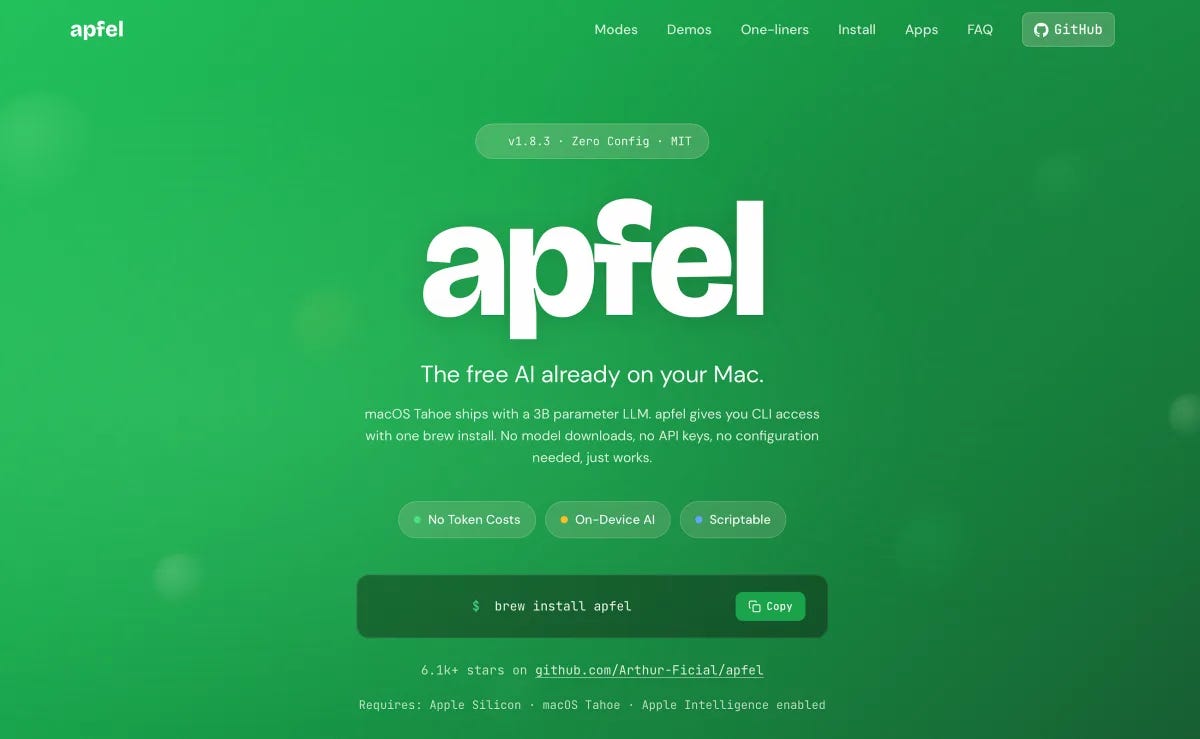
That changed with Apfel, a small open-source tool that runs Apple's on-device model from the terminal, from code, or from something that looks exactly like an OpenAI server. MIT licensed. One brew command. Nothing to download, because the model is already sitting on the machine.
Apfel isn't a new AI model. It's a key for a lock Apple installed.
Apfel
Install is brew install apfel. That's the whole thing. No gigabytes, no progress bar, because the model already ships as part of Apple Intelligence. You just needed a way in.
It needs macOS 26 Tahoe or later, Apple Silicon, and Apple Intelligence turned on. Under that, it's a roughly 3 billion parameter model, quantized down small, running on the Neural Engine.
Apfel gives you three ways to reach it. A CLI you can pipe text through. An interactive chat with apfel --chat. And an OpenAI-compatible server on localhost. Turn off Wi-Fi and it still answers, streaming back token by token. Works on a plane. Works with nothing.
It can take file attachments too, PDFs and images with on-device OCR, plus JSON output and some MCP tool support stacked on top. Nice extras. Not the reason to install it.
If you already picked a terminal you like this year, Apfel just drops into it. No new app to learn.
The Server
The part I like is the server. Point any OpenAI SDK at localhost:11434/v1 instead of the real API, drop in a fake key since nothing checks it, and your existing code just works.
Same Python, same request shape, same streaming. Just local and free. Nothing leaves the machine, and there is no bill waiting at the end of the month.
Apfel vs. Ollama
Apfel doesn't run a model in the way Ollama does. It's a translator. It hands your prompt to Apple's FoundationModels framework and reshapes the answer into what the OpenAI SDK expects. That's why there's nothing to pull down and why it answers almost instantly.
Ollama and MLX work the other way. They download open-weight models, Llama, Qwen, whatever you want, gigabytes at a time. You can swap them, shrink them, fine-tune them. Real flexibility, real disk space, real setup.
Apfel skips all of that because Apple already did the downloading for you, back when you installed macOS. The trade is choice. You get the one model Apple shipped. That's it.
Downsides
Start with the model itself. It's about 3 billion parameters. Not GPT, not Claude, not in the same league, and I mean that literally rather than as a knock. It handles simple shell one-liners more often than not, then falls apart on math or anything with more than one step.
The real limit is the context window. 4,096 tokens, input and output combined. That's roughly one page of text, total, for the whole exchange. You can't pour a log file into this. You can't point a coding agent at it either, since something like the agents I compared recently would burn through that entire budget just reading one file.
Apple also bakes in its own safety guardrails, and you can't fully switch them off. There's a more permissive mode that loosens things a bit. The leash still belongs to Apple, not to you.
And the code is open source, but the model underneath isn't going anywhere. It only runs on Apple hardware. You can't download the weights and run them somewhere else. Free, but only on Apple's terms.
Who Should Use It
If you need real reasoning, long documents, or anything you're shipping, stay on Claude or OpenAI. Or run a bigger open-weight model through Ollama if you want it local and don't mind the download.
Apfel is for the small stuff that would otherwise nickel-and-dime a cloud bill. Shell command lookups. A commit message from a diff. Quick tagging or classification. A short summary of something you already have open. Private, offline, and already sitting on the machine.
The Bottom Line
The free tier of local AI used to mean a model you downloaded and then had to babysit. Now it's just sitting inside the computer I already paid for.
I'll keep paying for Claude when the work actually matters. But for the small, forgettable prompts I run all day, this one is already installed, already free, and already mine.
Can i install it in my dell