

Use Subdomains to Put Your Domain on Every Platform
You pay for one name. You get all the addresses.

My Medium friends can read this over on Medium.
Mark asked about subdomains in the comments of my last post, the obvious question that follows from it. If you're supposed to connect your domain to Substack and to Medium and to your store, do you need three domains?
No. You need one. The rest are subdomains, and you already have them.
What's a subdomain
A subdomain is the word before the first dot. blog.yourname.com. shop.yourname.com. notes.yourname.com.
They're not new domains. Nobody sells them to you. They come with the domain you bought.
One domain, one bill a year, and depending on the provider a few or up to as many subdomain addresses as you have platforms.
Mine
I run one domain, byburk.net. (I do have more, but for this argument here, we're focusing on this one).
From there, I built subdomains that point to my projects.
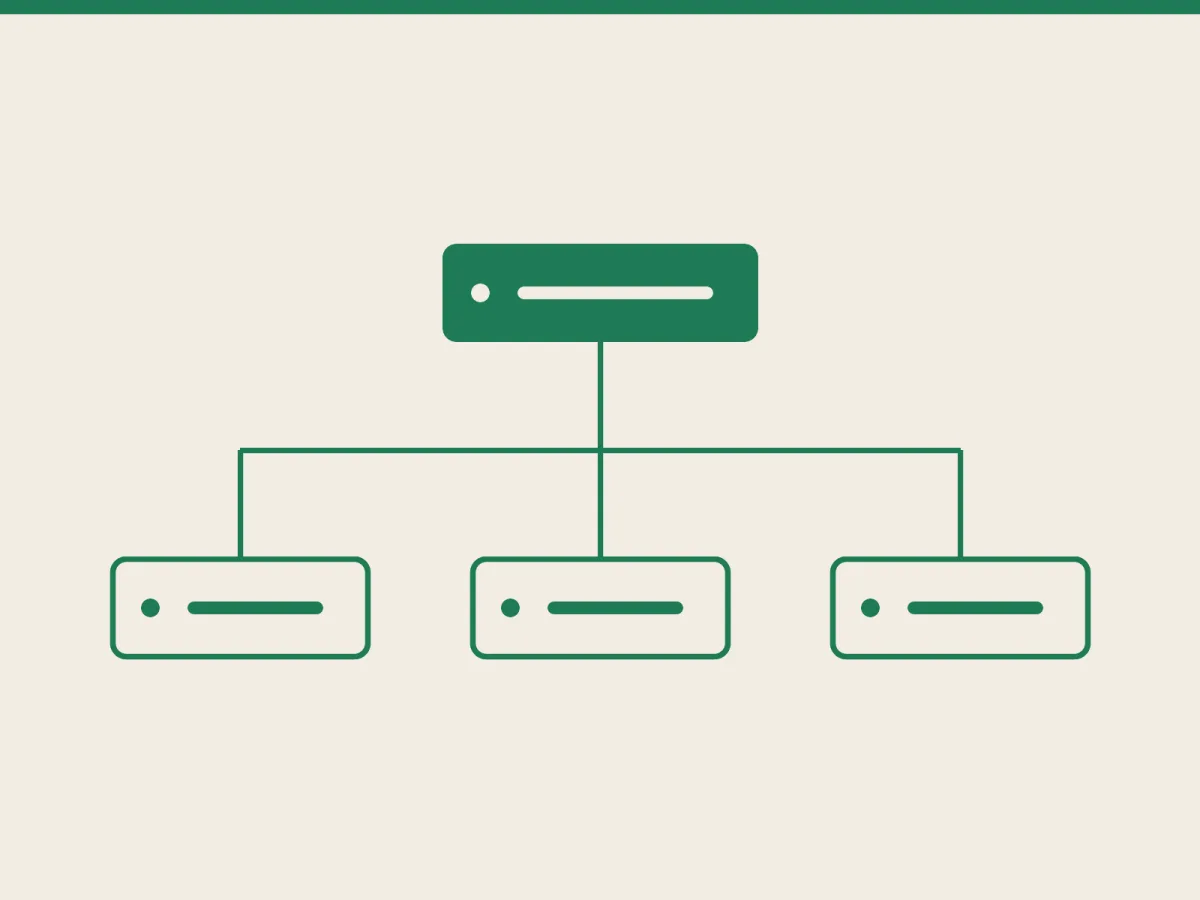
stories.byburk.net points at Medium. letters.byburk.net points at Substack. shop.byburk.net points at Gumroad. Three platforms, three companies, three completely separate systems, three subdomains, but one domain name across all of them.
The domain is the brand.
The setup
You go into the DNS settings at whoever sells you the domain. You add a CNAME record. The name is the word you want (shop). The value is the address the platform hands you when you add the domain on their side. Copy it in, save, and go do something else, because it can take a day or two to work everywhere.
The subdomain is also the easy version. Root domains are more annoying sometimes. The DNS spec doesn't really allow a CNAME at the root of a domain, so you end up with A records or your provider's flattening trick, and it can break in ways that are hard to see.
blog.yourname.com is one clean record. Which is why many platforms recommend the subdomain in the first place.
Naming
Boring wins. blog, shop, notes, links, letters, stories, store...
Someone should be able to guess it or type it after hearing it once.
And once a subdomain is out in the world, treat it as permanent. Every link, every share, every Google result points at that exact string. Renaming writing to blog two years later costs you all of it unless you redirect properly. Rather take the extra minute now.
SEO
SEO is messier than the setup.
Google's John Mueller has said subdomains and subdirectories are seen the same, and then added that he'd "try to keep things together as much as possible" and use subdomains where things are slightly different. Which is a bit of a hedge. A lot of SEO people will tell you that in practice, folders (yourname.com/blog) still do better than subdomains, and I think there's something to that. Though I don't really know (or care frankly).
But it doesn't matter much here, because it isn't the choice you have.
Medium says it plainly: you can connect a top-level domain or a subdomain, and you cannot connect a subdirectory. Substack is the same. The folder version would need you to host and route everything yourself, which is the whole thing you avoided by using these platforms.
So the comparison isn't subdomain versus folder. It's subdomain versus yourname.substack.com.
Downsides… there are always some
The platforms charge for the privilege. Substack takes a one-time $50 per publication, then you can add and remove domains for free. Medium wants an active membership. Nothing dramatic, but it adds up if you connect four things at once.
DNS changes might take a day, and during that window your address may not work.
And the authority is a slow build. Every subdomain starts near zero with Google, so stories.byburk.net didn't rock on day one. It took months before it went up. But once it goes up, it's all yours.
Last one: one domain is also one point of failure. Miss a renewal and you don't lose one address. You lose all the subdomains as well, at the same time.
The Bottom Line
You don't need one domain per platform unless you want to. You need one domain, and a habit of adding subdomains every time you sign up for some new platforms that allow connecting a custom (sub)domain.
If you're not already, follow me on Medium.
