
Voice-to-Text Changed How I Write
And develop

I type reasonably fast. Ten years working in tech, years of blogging, thousands of stories across Medium and Substack. Typing since my early teen years.
So when I started using voice-to-text, it wasn’t really about speed. That’s why I had probably never used VTS until recently.
Wispr Flow* changed that.
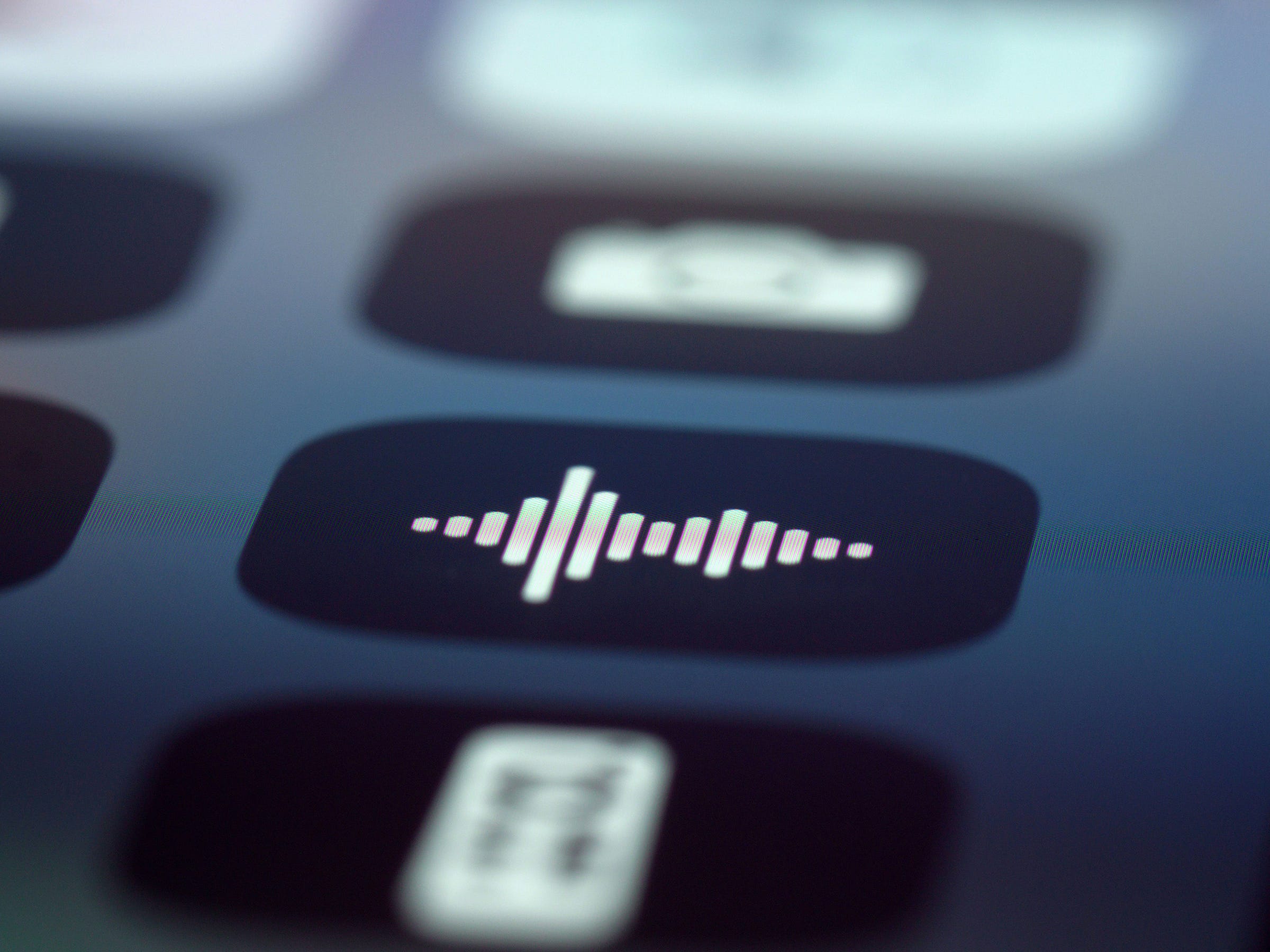
A Mac app that transcribes your voice in real time, directly into whatever text field you’re in. You talk, it types. Anywhere.
I figured I’d use it for emails and quick replies. Maybe the occasional draft. That’s not what happened.
What makes it cool
The first thing that changes when you dictate instead of type is sentence length.
When I type, I usually think in structure. I plan the sentence before I write it. I edit while I go. That’s fine. It produces clean copy. But it also produces a certain kind of copy.
When I speak, I think in flow. Sentences come out longer or much shorter, looser, more conversational. The rhythm changes. I repeat things. I trail off. I circle back. It sounds more like how I actually talk to people.
That’s not always better. But it’s different. And I like that right now.
Where I use it
Not for everything. Certain things I still type. Editing for example.
I use voice-to-text for first drafts of opinion pieces and personal articles. And a lot for personal writing like emails, messages, etc.
But also, and this is the largest bit, for developing and coding.
Wispr Flow is great at recognizing “coding” language. That’s a huge plus.
How a session looks
I open the draft or code editor. I turn on Wispr Flow. I talk for a while, just getting the rough shape of what I want to say out of my head and onto the screen. No editing while I go.
Then I stop, read what’s there, and start cutting.
I wrote about how tools shape your voice a while back. Voice-to-text does that too. But in the opposite direction. It makes things less polished, more human.
The edit pass adds the structure back.
The accuracy
Accuracy is pretty good. Really.
Wispr Flow uses a local model combined with cloud processing, and it handles my German-accented English without much trouble. It gets maybe 95% of words right. The other 5% are easy fixes.
And when I code, I usually switch to German (but with all the coding terms in English) and it handles that with ease as well.
Cool stuff.
One issue that sometimes comes up is punctuation.
Dictation software doesn’t always know where you want a period versus a comma versus an ellipsis. And since punctuation is a big part of how I write, I spend some time fixing dots and commas.
What it changed about my process
Three things, mainly.
More first drafts, faster. I used to write maybe one draft per session. Now I sometimes get two or three rough outlines done in the same time. The ideas don’t sit in my head as long. They get out quicker. That matters when you’re running a content pipeline across multiple platforms with automation.
Different sentence rhythm. My typed sentences tend to be medium length. My spoken sentences are either short or longer, more flowing. Mixing both in an article gives it a good rhythm, I feel like.
Less screen fatigue. When I dictate, I can lean back, close my eyes, look out the window. I’m still “writing” or coding. But it doesn’t feel like staring at a screen all the time.
The downsides
You need a relatively quiet room. Although the mics on my MacBook Pro are pretty solid, so I haven’t had any major issues even with my kids playing around next to me.
The editing pass can take longer than when I type a clean first draft. Voice drafts are a bit messy. More repetition, more filler.
And some days, I just don’t want to talk. So, I don’t do it.
Also, it’s a subscription if you use it a lot. I wish it weren’t, but that’s how most good Mac utilities work now. I’ve cut a lot of subscriptions over the past year. This one stayed.
There are free alternatives, even open source and local ones, but the few i have tried didn’t have the same stability and accuracy when it comes to language switching and coding terms.
For simple single language writing, however, those alternatives can be great!
The Bottom Line
Voice-to-text is a great productivity tool for writing and coding.
I still type a lot as well. I still edit most by hand. The voice part is maybe 30% of my writing now. Probably less. But at least 60% of my coding input.
And those two numbers definitely same me some time. That’s always good.
A writer is nothing without a reader. If you found this helpful, consider becoming my dear email friend. Nothing would make me happier.